
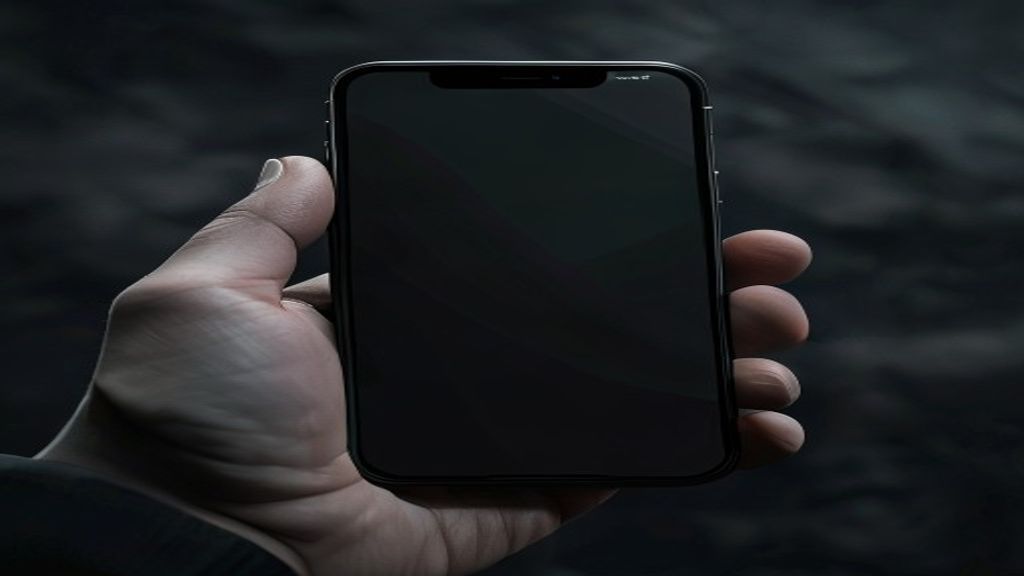
iPhone Black Screen? Here’s How to Fix It
You press the side button and nothing happens. The phone still vibrates when someone calls. It makes sounds when you plug in a charger. But the screen stays completely black. A black-screen iPhone is one of the most common problems we see walk through the door at Indiana Phones in Pacific Beach, and the good news is that it is often fixable without replacing the whole phone. Here is how to figure out what is wrong and what to do about it.
Why is my iPhone screen black but still on
When an iPhone is clearly receiving power (it vibrates, makes sounds, or feels warm) but the display shows nothing, the problem is almost always one of three things: the display itself has failed, the display connector inside the phone has come loose from a drop, or iOS has crashed and the phone is stuck between states. Figuring out which one it is determines whether you can fix it at home or need professional help.
Step one: force restart your iPhone
A force restart fixes a surprising number of black-screen issues because it clears a frozen iOS state without touching your data. The button sequence depends on your model. On iPhone 8 and newer (including every model through iPhone 17): press and release volume up, press and release volume down, then press and hold the side button until the Apple logo appears. On iPhone 7 and 7 Plus: hold the side button and volume down together until the Apple logo appears. On iPhone 6s and earlier: hold the side button and home button together. Hold for at least fifteen seconds. If the Apple logo appears, the display is working and you just needed to clear a software hang.
Step two: charge it and wait
If force restart does not bring the screen back, plug the phone into a known-good Lightning or USB-C cable and wall charger for at least thirty minutes. A completely depleted battery can sometimes make the screen appear black even when the phone is technically powering on. You should feel the phone get slightly warm and, if it is actually charging, see the charging icon appear on screen after a few minutes. If you hear the familiar chime or vibration when you plug it in but still see nothing, move to step three.
Step three: DFU mode restore (last software option)
Device Firmware Update mode is a deeper recovery option than a normal restart. Connect your iPhone to a computer running the latest Finder (macOS) or iTunes (Windows). Force restart the phone while it is plugged in, but keep holding the side button past the Apple logo until the screen goes black. Then hold volume down with the side button for five seconds, release the side button but keep holding volume down for ten more seconds. If the screen stays black but your computer recognizes a device in recovery mode, you can restore iOS and potentially rescue the phone. Warning: a DFU restore erases everything, so only do this if you have a backup or you have already accepted that data loss is a possibility.
When it is a hardware problem
If the phone does not respond to any of the above, the issue is almost certainly hardware. The most common hardware causes we see at Indiana Phones are a loose display connector (often from a drop where nothing looked broken from the outside), a failed LCD or OLED panel where the backlight works but the pixels do not, water damage that corroded the display flex cable, and a failed display IC on the logic board. These are all repairable, and we can usually tell you which one it is within a few minutes of opening the phone.
What to do next
If the DIY steps did not bring your screen back, your iPhone likely needs professional repair. At Indiana Phones in Pacific Beach, our veteran-owned team diagnoses black screen issues for free and most repairs are finished the same day with a 90-day warranty on parts and labor. Call (619) 577-3065 or walk in to 1630 Grand Ave for a free assessment.
Related Reading
- Phone Screen Unresponsive to Touch? 8 Fixes From a Repair Tech
- iPhone Screen Repair Cost in 2026
- iPhone Frozen and Won’t Respond? Here’s the Fix
Related Services
- Phone Repair San Diego (all devices)
- iPad Repair San Diego
- Samsung Galaxy Repair
- MacBook Repair
- Phone Battery Replacement
Frequently Asked Questions
Can a black iPhone screen be fixed without replacing the whole phone?
Yes. The vast majority of black-screen iPhones can be fixed by either reseating a loose display connector, replacing the damaged display assembly, or reflowing the display IC on the logic board. Only severe liquid damage or a catastrophic logic board failure typically requires replacing the entire phone.
Is it worth repairing a black screen iPhone?
If the phone is an iPhone 8 or newer and the body is otherwise intact, yes. Display repairs are dramatically cheaper than a replacement phone, and at Indiana Phones we can usually complete them the same day. Call (619) 577-3065 for current pricing on your specific model.
Why does my iPhone turn on but the screen stays black?
The most common reason is that the display connector inside the phone has come loose from a drop, or the display backlight has failed. The phone itself is working (which is why you hear notifications and feel vibrations) but the screen itself is not receiving the signal or power needed to light up.
How long does an iPhone black screen repair take?
For iPhone 16 Pro owners in San Diego dealing with a black screen, we offer same-day iPhone 16 Pro repair in San Diego at our Pacific Beach shop.
Most black-screen repairs at Indiana Phones are finished within one to two hours, assuming the problem is a loose connector or display replacement. Liquid damage or logic board work can take longer. We give every customer an honest time estimate when they drop off their phone.
We also handle iPhone 15 repair in Pacific Beach at Indiana Phones.
Indiana Phones offers same-day iPhone 12 Mini charging port repair in Pacific Beach.
Looking for iPhone 17 Pro Max back glass replacement? Walk in for a free diagnostic.
For iPhone 11 owners in San Diego dealing with a black screen, we offer same-day iPhone 11 repair at Indiana Phones in Pacific Beach.