
iPhone Speaker Not Working? Here’s What to Do
The first question we always ask when a customer walks in saying their iPhone speaker is broken is: which speaker? iPhones have two of them, and each one does a completely different job. Figuring out which speaker is failing is the first step toward fixing it — and sometimes the speaker is not even broken at all. Here is how to diagnose and fix a dead iPhone speaker, from the Indiana Phones repair bench in Pacific Beach.
Earpiece vs. bottom loudspeaker — which one is actually broken
Your iPhone has two speakers. The earpiece is the narrow slit at the top of the screen above the notch or Dynamic Island — that is what you hold to your ear during a phone call. The loudspeaker is the set of grills at the bottom of the phone next to the charging port — that is what plays music, speakerphone calls, ringtones, and YouTube videos. Test each independently. Play a YouTube video without headphones and listen to the bottom: no sound means the loudspeaker is dead. Make a phone call and hold it to your ear: no sound means the earpiece is dead. It is possible to have one working and the other broken, and the repairs are different.
Clean the speaker grill first (cheap fix that works often)
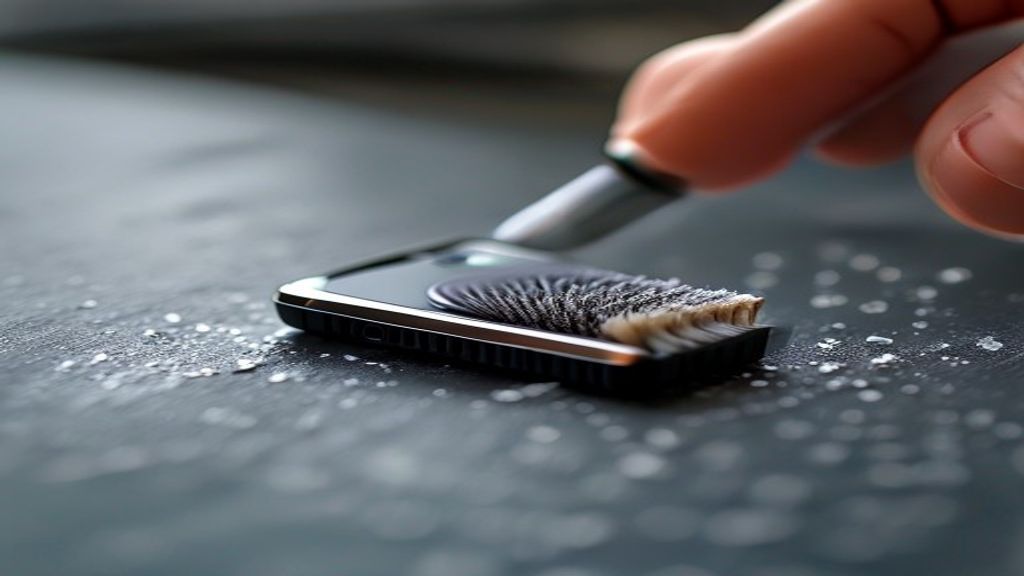
Pocket lint, sand, and general grime build up inside the speaker grills until sound cannot escape. This is especially common in Pacific Beach where sand gets into everything. Turn the phone off, grab a clean soft-bristled toothbrush or a small electronics brush, and gently sweep across the speaker grills. Do not use compressed air (it can drive debris deeper), and do not use water, alcohol, or anything wet. After cleaning, test audio again. You will be surprised how often this is all it takes.
Check the water damage indicator
If your phone got wet in the last few weeks, the speaker may have water trapped in the assembly or may have corroded. Check the Liquid Contact Indicator in the SIM tray (pop the SIM out with a paperclip and look at the small white dot inside — if it is red or pink, the phone has been exposed to liquid). Water in the speaker often sounds muffled or crackly before it fails entirely. Professional disassembly and drying is the fix.
Software fixes: restart, update, reset
Restart the iPhone (hold side + volume button, slide to power off, wait ten seconds, turn back on). Then check for iOS updates in Settings > General > Software Update. If audio still is not working, try Settings > General > Transfer or Reset iPhone > Reset > Reset All Settings (this does not erase your data, it just resets Wi-Fi, preferences, and sound settings to defaults). About one in ten speaker complaints we see turn out to be software-only issues.
Speaker replacement — what is involved
On iPhones, both the earpiece and the loudspeaker are modular components that we can replace individually. The loudspeaker is accessed from the bottom of the phone after removing the screen and back-cover screws. The earpiece is built into the front camera and sensor assembly and is removed with the screen. Both repairs are typically same-day jobs at Indiana Phones. We also test water resistance reseating after any open-phone repair to preserve as much of your original IP rating as possible.
Cost factors
Speaker repair cost depends on the iPhone model, which speaker needs replacement, whether the repair requires transferring the front camera assembly (for earpiece replacements on newer models), and whether any additional components were damaged by the same incident that killed the speaker. Call Indiana Phones at (619) 577-3065 for current pricing on your specific model.
Get it fixed same day
If DIY cleaning and software fixes did not restore your speaker, bring it to Indiana Phones in Pacific Beach. Our veteran-owned team offers free diagnostics, same-day turnaround on most speaker repairs, and a 90-day warranty on parts and labor. Call (619) 577-3065 or stop by 1630 Grand Ave.
Related Reading
- No Sound on iPhone?
- iPhone Not Ringing?
- iPhone Water Damage – What to Do
- iPhone Microphone Not Working (next symptom to check)
Related Services
- Phone Repair San Diego (all devices)
- iPad Repair San Diego
- Samsung Galaxy Repair
- MacBook Repair
- Phone Battery Replacement
Frequently Asked Questions
Why is my iPhone earpiece not working but speakerphone is?
The earpiece and the loudspeaker are two different components. It is common for one to fail while the other works perfectly. The earpiece is the small slit at the top of the phone screen and is a separate replaceable part from the bottom loudspeaker.
Can a clogged iPhone speaker be fixed at home?
Often yes. Use a soft-bristled toothbrush or small electronics brush to gently sweep debris out of the speaker grill. Do not use water, alcohol, or compressed air. If cleaning does not restore the volume, the speaker hardware has likely failed.
How much does iPhone speaker replacement cost?
Pricing depends on the iPhone model and which speaker (earpiece or loudspeaker) needs replacement. Call Indiana Phones at (619) 577-3065 for a free quote on your specific model. Most repairs are completed the same day.
Can water damage cause speaker failure?
Yes, and it is one of the most common causes. Water in the speaker assembly muffles sound, causes crackling, and eventually kills the speaker entirely through corrosion. Professional drying and component replacement can usually restore function if you bring the phone in quickly.