
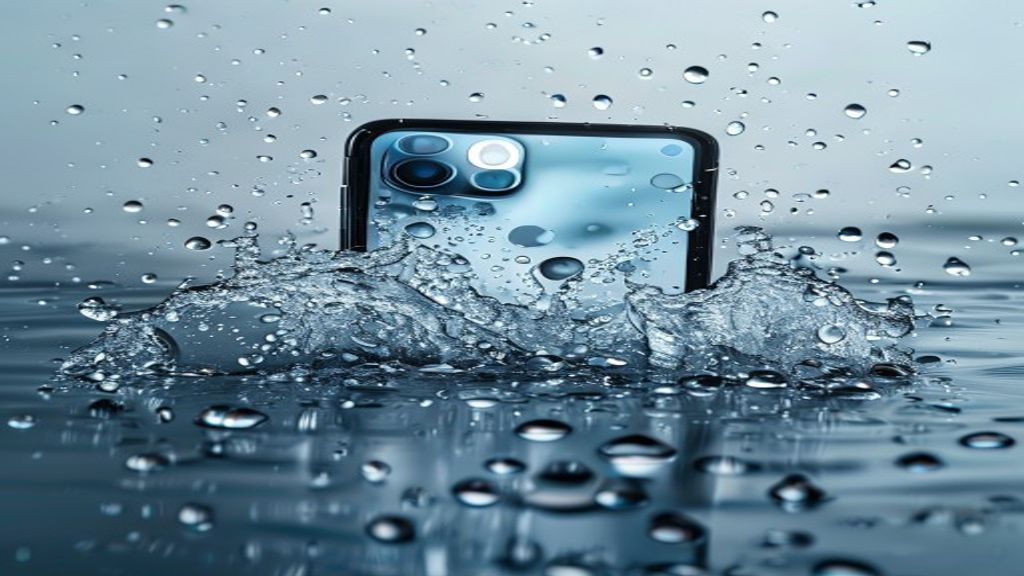
iPhone Water Damage — What to Do (And What NOT to Do)
Your iPhone just went into the pool, the ocean, a toilet, or a drink. Your next move matters enormously. Most of what you have heard about saving a water-damaged phone is wrong — including the classic rice trick, which actually makes things worse in some cases. Here is what to actually do, what to never do, and how to maximize your chances of saving your phone. This is the advice we give every customer who walks into Indiana Phones with a wet iPhone, and the sooner you follow it, the better your odds.
Do NOT put your iPhone in rice — this myth needs to die
Rice does not actually absorb water from inside a phone. The grains are too big to reach the tiny spaces where water sits, and the dust and starch from the rice can clog the charging port and speaker grills. Worse, rice gives you a false sense of security — you think you are fixing it while the actual problem (corrosion starting on the logic board) is getting worse every hour. Professional repair techs do not use rice. Neither should you.
Turn it off immediately
If the phone is still on, power it off right now. Every second the phone has power with water inside it is another second electrical current is flowing through wet components and causing short circuits that damage the logic board. The moment a phone gets wet, the priority is cutting power. Hold side button + volume button and slide to power off.
Do NOT plug it in to charge
This is the single most common mistake we see. People pull a wet phone out of water, wipe it off, and immediately plug it in to see if it still works. Plugging a wet phone into a 5-watt power source pushes current through water-soaked circuitry and causes additional short circuits. Never charge a wet phone. Wait until it is thoroughly dried out — which takes days at minimum, and ideally requires professional ultrasonic cleaning of the logic board.
Do NOT use a hair dryer or heat source
Hair dryers blow water further into the phone, and the hot air damages adhesives that hold the phone together. Heat guns can warp the frame. Ovens and microwaves are catastrophic. Stick to air drying at room temperature or, better, bring it to a shop for professional drying.
What to actually do while you get it to a repair shop
Power the phone off. Remove the case. Remove the SIM tray (pop it out with a paperclip). Gently shake out as much water as you can from the charging port, speaker grills, and any other openings. Pat the outside dry with a soft cloth or microfiber. Stand the phone upright with the charging port facing down on a dry towel to let gravity help drain water. Put it in an airtight container with silica gel packets if you have them (the desiccant packets from shoe boxes, beef jerky bags, vitamins — real desiccants, not rice). Get it to a repair shop the same day if possible.
iPhone water resistance ratings — what they actually mean
Modern iPhones are rated IP67 (iPhone 7 through iPhone X) or IP68 (iPhone XS and newer). IP68 means ‘protected against immersion in 6m of water for up to 30 minutes’ per Apple’s internal spec. BUT — and this is important — that rating is for brand-new phones in lab conditions. Real-world water resistance degrades over time as gaskets age, as the phone gets dropped, and as you open it for repairs. A three-year-old iPhone 13 is nowhere near as water-resistant as a brand-new one. Also, Apple specifically excludes liquid damage from warranty coverage — water resistant is NOT waterproof in their eyes.
Professional water damage repair — what a tech actually does
When you bring a water-damaged iPhone to Indiana Phones, here is our process. First we do a visual inspection and check the Liquid Contact Indicator in the SIM tray. Then we open the phone and immediately pull the battery to cut any remaining current. We inspect the logic board under magnification for visible corrosion or shorts. We clean the board ultrasonically in an isopropyl alcohol bath to remove mineral deposits left behind by evaporated water. We dry the board thoroughly. We reassemble and test. For phones that show continuing issues after cleaning, we can sometimes board-repair specific corroded traces or components.
Get it to us fast
Time is the enemy with water damage. Every hour that passes with water sitting on the logic board is more corrosion. Our best success rates are on phones brought in within 24 hours of the incident. Call Indiana Phones at (619) 577-3065 or bring your wet phone directly to 1630 Grand Ave in Pacific Beach. Diagnostics are free, repair pricing depends on what we find.
Related Reading
Related Services
- Phone Repair San Diego (all devices)
- iPad Repair San Diego
- Samsung Galaxy Repair
- MacBook Repair
- Phone Battery Replacement
Frequently Asked Questions
Does rice actually work for water-damaged phones?
No. Rice does not absorb water from inside a phone effectively, and rice dust and starch can clog ports. The best immediate action is to turn the phone off, remove the SIM tray, and get it to a repair shop for professional drying as soon as possible.
Can a water damaged iPhone be saved?
Often yes, especially if you bring it in quickly and did not try to charge it. Professional ultrasonic cleaning of the logic board can reverse corrosion damage in its early stages. The longer you wait, the lower the success rate.
Are iPhones actually waterproof?
iPhone XS and newer are IP68 rated, which means they are water RESISTANT — not waterproof. They should survive brief submersion in new condition, but resistance degrades with age, drops, and prior repairs. Apple specifically excludes liquid damage from warranty coverage.
How long does iPhone water damage repair take?
At Indiana Phones, water damage diagnosis is same-day. Actual repair time depends on severity — a simple clean-and-dry is typically 1-3 hours, while board-level component replacement can take a day or two. We give an honest time estimate after the initial diagnostic.
